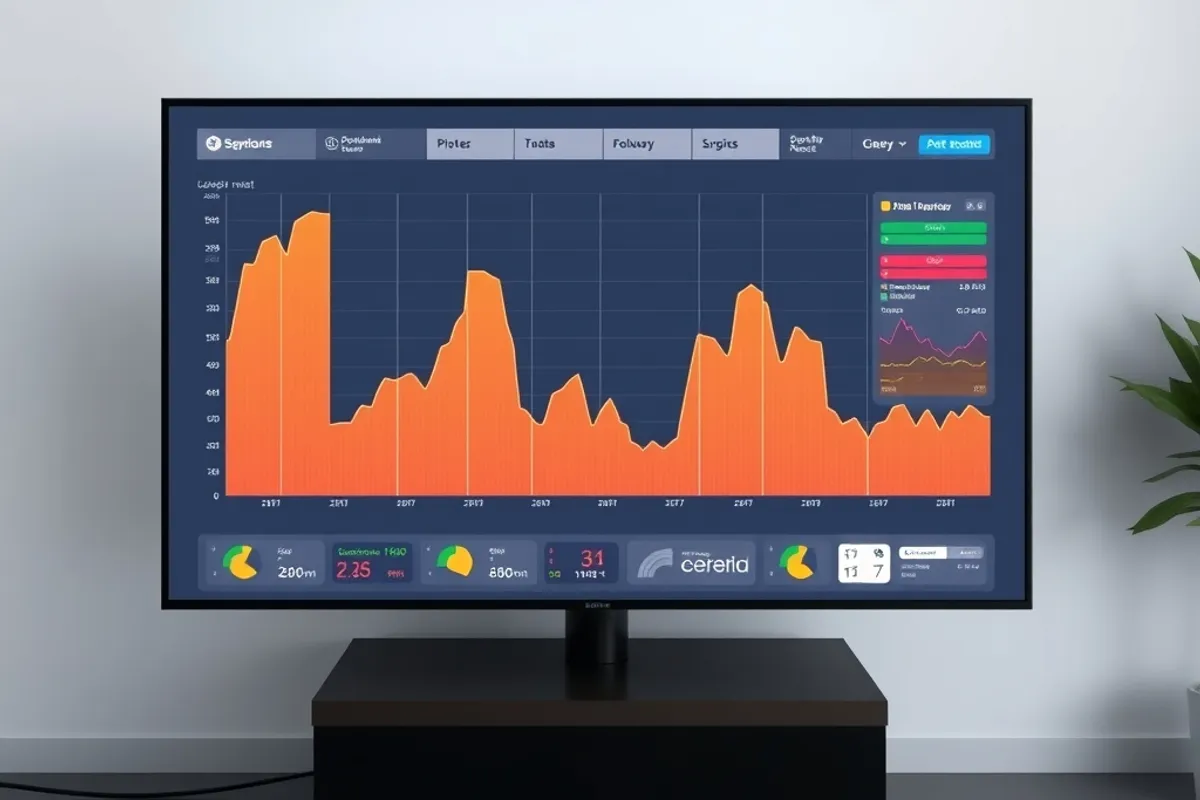
Speed advice is easy to find and hard to use. One tool gives a score out of one hundred, another gives a waterfall, a third sends an email every week with a number that moves for no clear reason. The scores are not useless, but they are not the goal either. The goal is a page that becomes usable quickly on the phone a real visitor is holding.
We test on a mid-range Android phone over a throttled connection, because that is closer to the median visit than a developer laptop on office wifi. The tools below are the ones that survive that test and tell you something you can act on.

Lab data versus field data
Lab data comes from a controlled test: one location, one device profile, one run. It is repeatable and useful for catching regressions, but it is not what your visitors experience. Field data comes from real browsers and shows the distribution: the fast visits, the slow ones and the ones that never finished loading.
Use lab data to debug and field data to prioritise. If the lab score is good and the field data is poor, the problem is probably a specific device, region or third-party script that the lab profile does not capture. If both are poor, start with the biggest asset on the page.
The three numbers that matter
Most speed conversations can be reduced to three questions. When does the main content appear? How long until the page stops moving? How quickly does it respond when someone taps? The technical names change, but the experience behind them does not.
Track those three over time rather than chasing a single composite score. A page that renders in two seconds and then jumps as an ad loads feels slower than a page that renders in two and a half seconds and stays still. Stability is part of speed.
Reading a waterfall without panic
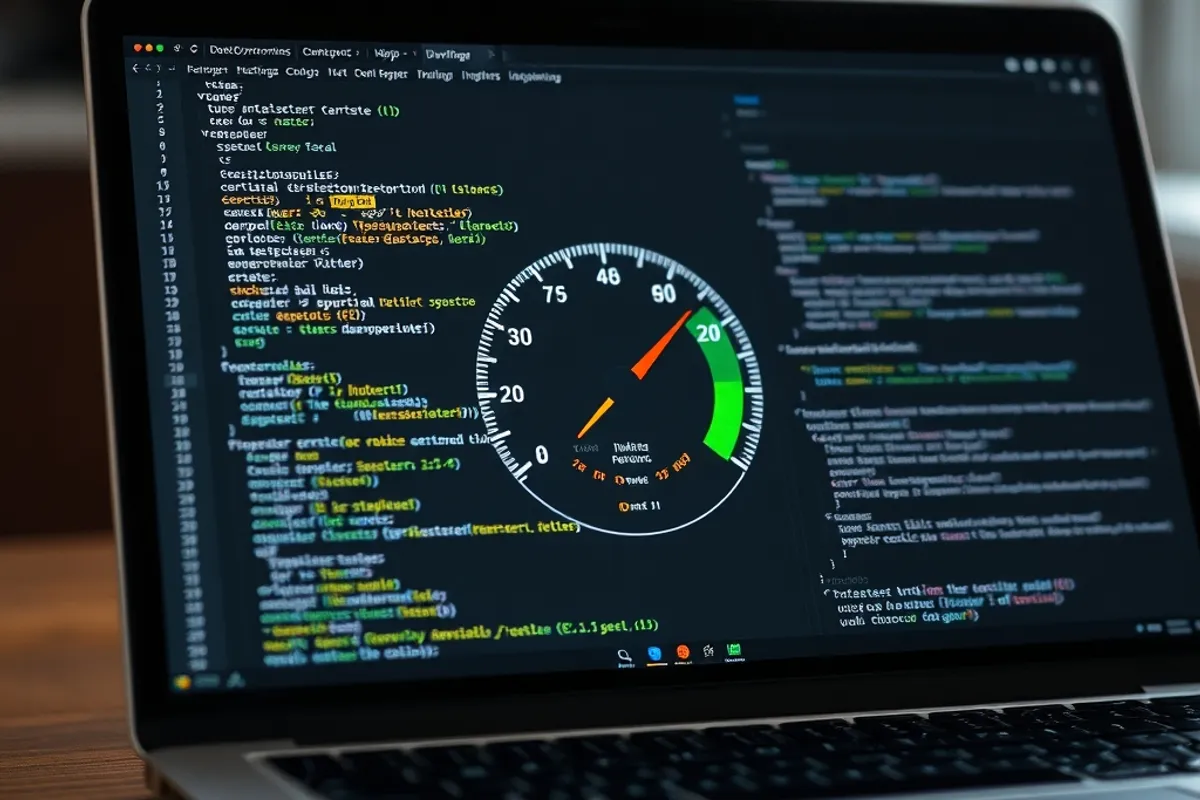
A waterfall shows every request in order. The first instinct is to optimise everything. The better instinct is to find the longest chain: the request that cannot start until another finishes, which cannot start until a third is parsed. That chain, not the total number of requests, is usually what delays the first render.
Look for render-blocking stylesheets, scripts in the head without defer or async, and fonts that block text. Then look for the largest image and the slowest third-party call. Fixing the longest chain often improves the experience more than deleting twenty small requests.
A perfect lab score on a page nobody can use on a train is not performance. It is a number with good marketing.
Images, fonts and layout shift
Images are usually the heaviest asset and the easiest win. Serve the size that is displayed, use a modern format, set width and height so the browser reserves space, and lazy-load only what is below the fold. A hero image that loads late and pushes the headline down is a double failure.
Fonts deserve the same discipline. Two families and a few weights are enough for most sites. Subset the character set, preload the one font used above the fold and let the rest arrive later. A custom font that takes a second to appear costs more attention than it adds personality.

Third-party scripts and the tag audit
Third-party scripts are the hardest to control because someone else decides what they load and when. A chat widget, a heatmap, an A/B testing tool and three pixels can add more weight than the entire site. Each one also adds a failure mode you cannot fix.
Audit the tags quarterly. For each one, name the owner, the question it answers and the last time it changed a decision. Remove anything that cannot justify its weight. Load the survivors after the main content, and never let a tag block the first render.

Fixing the slowest page first
Do not optimise the homepage because it is the page you look at most. Find the page with the worst field data and the most traffic. That combination gives the largest real improvement for the least work. Fix it, measure for a week, then move to the next one.
Keep a short list of known causes: an unoptimised image, a render-blocking script, a font that is too large. When a new page ships, check the list before launch. Prevention is cheaper than another audit.
- Use field data to choose the page and lab data to debug it.
- Find the longest request chain, not the largest request count.
- Compress and size images, and set width and height.
- Limit font families and weights, and preload the above-fold font.
- Audit third-party tags quarterly and remove what cannot justify itself.
- Re-measure after every change, one change at a time.
A monthly speed routine
Once a month, open the field data for the top ten pages, compare it with the previous month, and pick the worst regression. Check the deploy log for a new script or image, fix it, and confirm the number recovers. A routine of thirty minutes beats a heroic optimisation week that nobody repeats.
For the stack that surrounds the measurement, read our guide to lean web tools. For the content that keeps people on the page once it loads, see our Affiliate Marketing section.