
Every web project starts with good intentions and ends with a toolbar of subscriptions. A form tool, a newsletter tool, a chat widget, three analytics dashboards and a project board nobody updates. Each one solved a real problem for a week. Together they cost more than the hosting and take more time than the work they were meant to save.
A lean stack is not a minimalist aesthetic. It is a deliberate choice to do a few jobs well and to remove the overlap. The test is simple: can a new colleague understand what each tool does and why it exists in one page? If not, the stack is already too large.
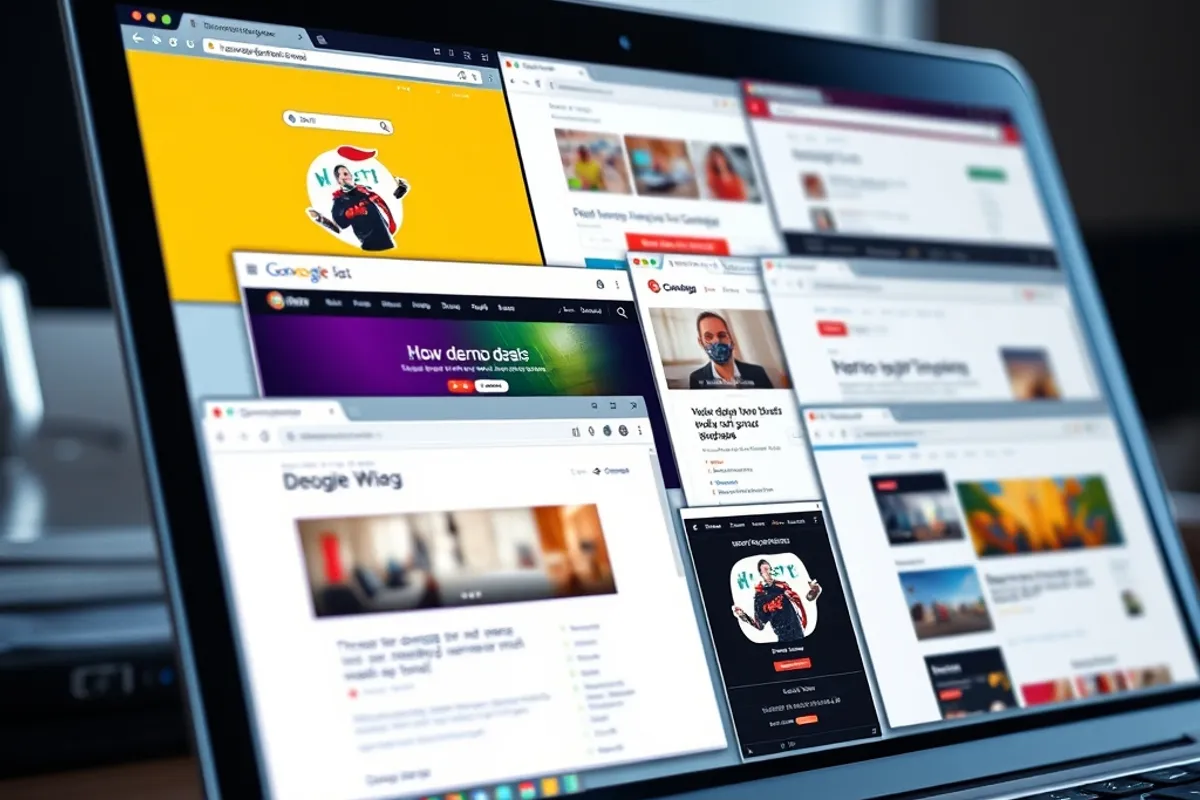
Count the tools you already pay for
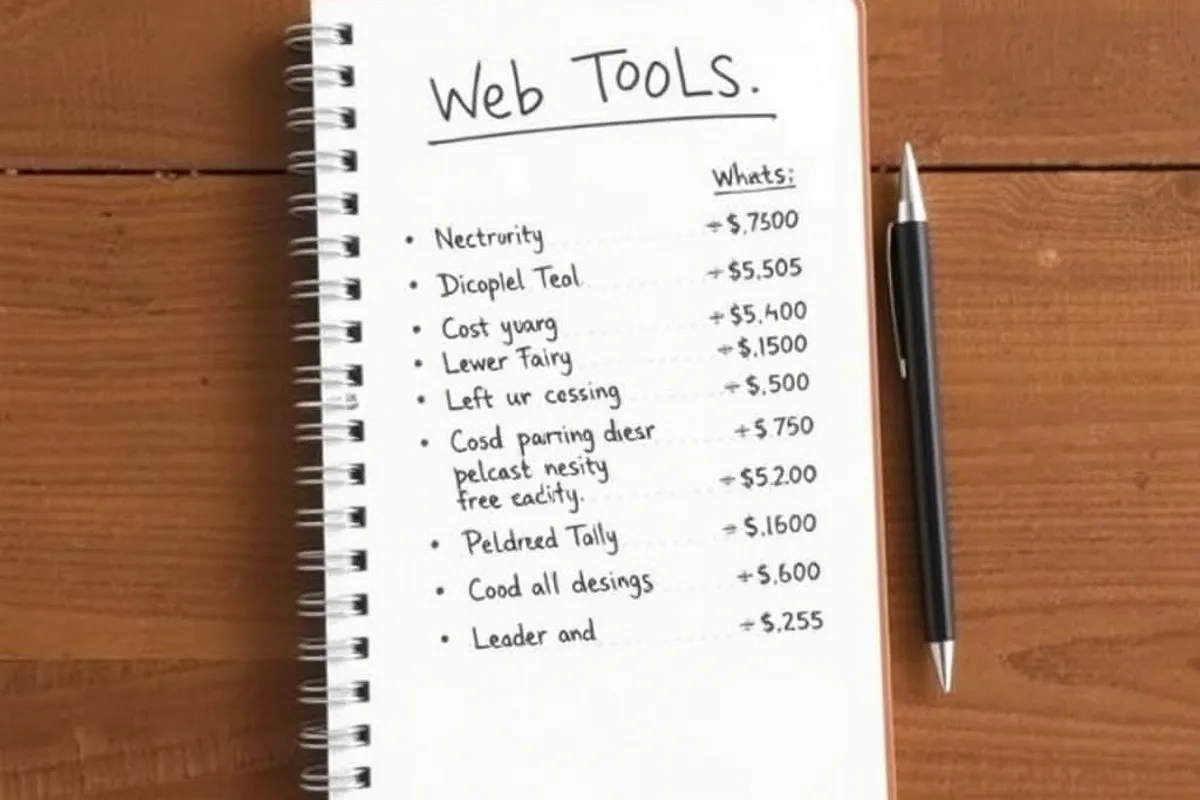
Start with the card statement, not the browser bookmarks. List every recurring charge related to the site: hosting, domain, email, forms, analytics, images, uptime, chat, project management. Add the free tools too, because free tools still cost attention and another login.
Next to each one, write the job it does and the person who would notice if it disappeared. Tools with no clear owner and no visible job are the first candidates for removal. A surprising number of subscriptions survive only because cancelling them requires finding the login.
The four jobs a web stack must do
Most small sites need four things: build and host the pages, collect messages, measure what happens, and send occasional email. That is the whole list. Everything else is either a refinement of one of those jobs or a solution to a problem the site does not have yet.
Keeping the list short makes the trade-offs visible. If a new tool claims to do three of the four jobs, it is probably worth a trial. If it does one job that is already covered, it needs a very good reason to exist.

Build, host and deploy
A static site with a simple build step covers most content sites. The pages are files, the deploy is a copy, and there is no database to patch. For a small team, that removes an entire category of maintenance and makes the site fast by default.
Choose a host with a clear pricing page and an easy rollback. Test the deploy on a preview URL before it reaches production, and keep the build reproducible so a new machine can produce the same output. The tool matters less than the habit of previewing and rolling back without drama.
A tool you cannot explain in one sentence is a tool you will eventually stop using.
Content, forms and email
Content lives in the repository or in a small headless CMS. Forms post to one endpoint and notify one inbox. Email goes through a transactional provider with a clear unsubscribe and a real reply address. These three jobs are easy to overbuild, and most teams do.
Avoid adding a chat widget until someone is actually available to answer it. An unread chat is worse than no chat: it tells a visitor the site is unattended. The same applies to a newsletter if nobody writes it. A form that reaches a monitored inbox is enough for most small sites.
Analytics without surveillance
You need to know which pages are read and which are abandoned. You do not need a fingerprint of every visitor. Aggregate page views, referrers and a simple funnel cover most decisions, and search console data tells you what people searched before they arrived.
Pick one analytics tool and one search console. Two dashboards with slightly different numbers create arguments instead of decisions. If a metric does not change what you will publish next, it does not need a permanent tab.

The cost of switching
Switching tools is not free, even when the new one is better. There is the migration, the retraining, the broken links and the month where two systems run in parallel. A tool has to be meaningfully better to justify that cost, not just newer.
The exception is a tool that is actively losing money or time: a form service that drops submissions, a host with repeated outages, an analytics package that slows the page. In those cases the switching cost is already being paid every week.
A stack you can explain in one page
- Hosting and deploy: one provider, one preview URL, one rollback command.
- Content: files in the repository or one small CMS, not both.
- Forms: one endpoint, one monitored inbox, one spam check.
- Email: one transactional provider with a real reply address.
- Measurement: one analytics tool plus search console.
- Everything else: a named owner and a review date, or it goes.
For the speed side of the same stack, read our guide to website speed tools. For the links that bring people to it, see our Link Building section.